 YONODUNIYA.COM
Capture the problem first
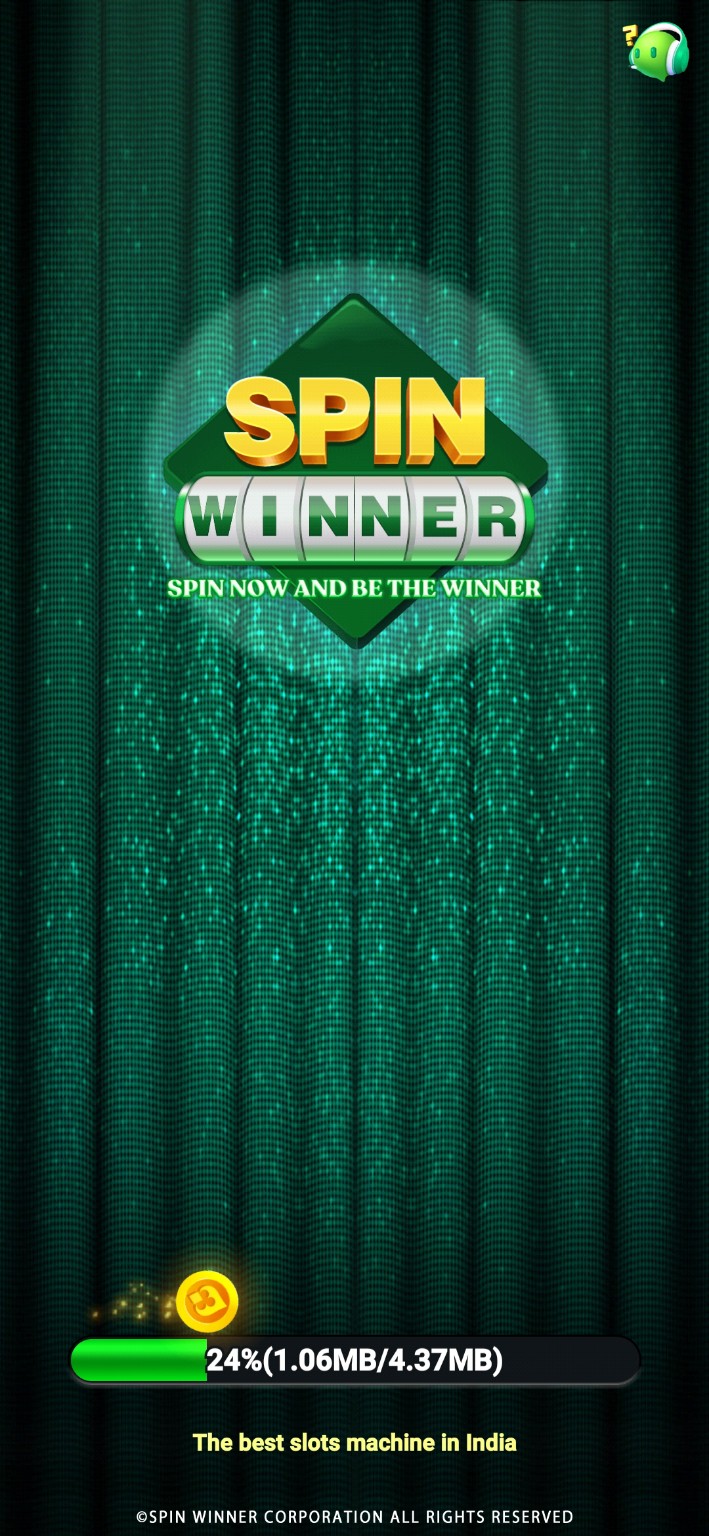
Write down what you expected, what happened instead, and the exact screen where it occurred. Record the device model, operating-system version, and app version. A short description such as “loading stops at 24% after opening” is more useful than “not working.”
Start with reversible checks
- Close and reopen the affected app once.
- Check whether another ordinary service works on the same connection.
- Confirm that the device has free storage and is not overheating.
- Restart the device if several apps are affected.
- Check the device’s date and time settings.
- Change only one condition, then repeat the original action.
Match the symptom to the check
| Symptom | Low-risk check | What to record |
|---|---|---|
| Loading stops | Compare behavior on an ordinary working connection. | Progress shown, elapsed time, exact error. |
| Layout is clipped | Check display scaling, orientation, and text size. | Which control is hidden. |
| Sound is absent | Check device and in-app sound settings separately. | Whether other apps produce sound. |
| Only one app fails | Check attributable release or service information. | App version and time of occurrence. |
| Repeated verification error | Stop repeated attempts and use the verified recovery channel. | Error text, with codes and personal details omitted. |
Loading-screen examples
Protect data before clearing storage
Clearing an app’s storage or uninstalling it can erase locally held data or sign you out. Cache and storage are different settings. Confirm what is recoverable before taking an action that removes data; do not repeat destructive steps while hoping for a different result.
A support report that helps
Use this pattern: “On [device] with [OS] and [app version], opening [screen] produces [exact error]. It began [time]. I tried [one check] and observed [result].” Send it through a verified support route. Remove account identifiers, payment details, and verification codes from attachments.
Frequently asked questions
Does a loading image prove an outage?
No. It shows a moment in one device session; an outage needs additional evidence.
Can Yonoduniya access my game account?
No. Yonoduniya is an independent reference site and cannot repair accounts or process transactions.
Should I keep retrying a payment?
This guide does not provide payment instructions. Use your financial provider’s established support process for an unresolved transaction.